Logitech MX Master 3 review: the modern classic productivity mouse still worth buying
Product overview
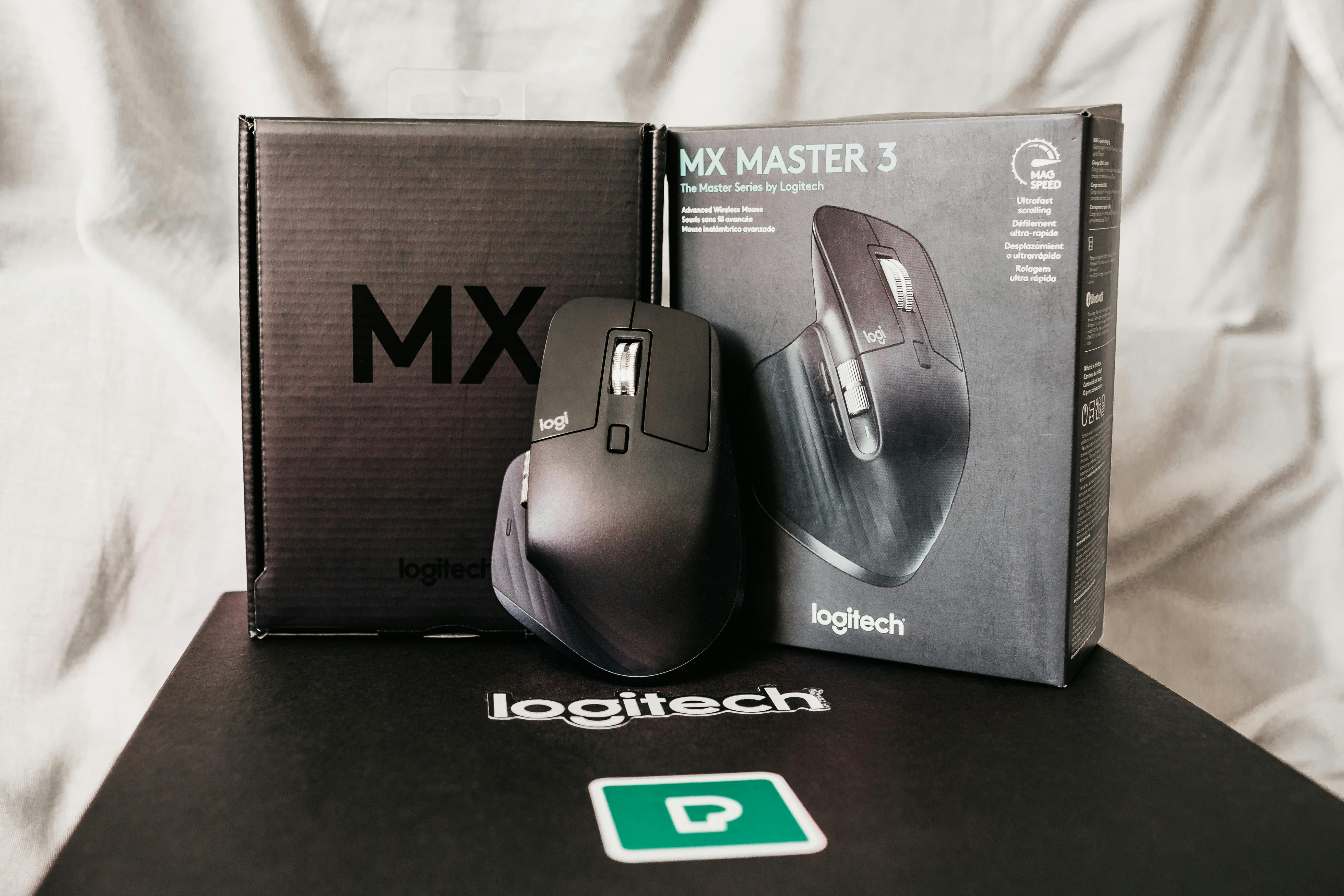
The Logitech MX Master 3 has been around for a few years, but in 2026 it remains the de‑facto standard for people who care about comfort and productivity more than ultra‑light FPS performance. With its sculpted right‑hand shell, dual scroll wheels and deep integration with Logitech’s Options+ software, it’s designed to be the mouse you reach for at 9 a.m. and still happily use at 9 p.m.
Key features
MX Master 3’s headline features are its MagSpeed electromechanical scroll wheel, thumb wheel, generous set of customizable buttons and the ability to pair with up to three devices over Bluetooth or Logitech’s Bolt receiver. It supports Logitech Flow for cross‑device copy‑paste, works on almost any surface thanks to its Darkfield sensor and offers months of battery life on a single charge.
Design & ergonomics
The MX Master line is famous for its right‑hand ergonomics, and the 3rd‑gen model continues that tradition. The tall, sculpted hump fills the palm, while a deep thumb rest keeps your hand relaxed. It is not ideal for left‑handed users or fingertip‑grip gamers, but for palm‑ and claw‑grip office use it is outstanding.
Performance & real‑world usage
In everyday use, the MX Master 3 feels precise and predictable. The 4,000 DPI Darkfield sensor tracks flawlessly on wood, glass and cloth, and the main buttons have a crisp but quiet click. What sets it apart is the MagSpeed wheel: with the flick of a finger it transitions from distinct steps to near‑frictionless free‑spin, making long documents and timelines a breeze to navigate.
With Logitech Options+, you can assign app‑specific actions to the thumb wheel and side buttons—horizontal scrolling in Excel, brush‑size adjustment in Photoshop, tab‑switching in your browser. Once you invest the time to tune these actions, it becomes difficult to go back to simpler mice.
Battery life
Logitech quotes up to 70 days on a full charge, and our experience aligns with that claim. After a month of 8‑ to 10‑hour days, our review unit still had more than 40% battery remaining. USB‑C fast charging means that even a few minutes plugged in can provide hours of use.
Pros & cons
Pros
- Exceptionally comfortable shape for right‑handed users.
- MagSpeed wheel and thumb wheel dramatically improve workflow speed.
- Multi‑device pairing and Flow support are great for hybrid setups.
- Excellent battery life and USB‑C charging.
Cons
- Not suitable for left‑handed users.
- Heavier than gaming‑focused mice; not ideal for competitive FPS.
- Best features rely on Logitech Options+ software.
Who should buy the MX Master 3?
The MX Master 3 remains our default recommendation for knowledge workers, developers and creators who spend many hours a day at a desk and want a mouse that keeps up with complex workflows. If you primarily play competitive shooters or need left‑handed support, look elsewhere; for almost everyone else, it is still outstanding in 2026.
Final verdict
Even with newer models on the horizon, the Logitech MX Master 3 is still one of the most balanced and capable productivity mice you can buy. Its blend of comfort, smart features and battery life keeps it at the top of our recommendations list for office and creative use.