Astrum full‑size RGB gaming keyboard review: budget deck with surprising polish
Product overview
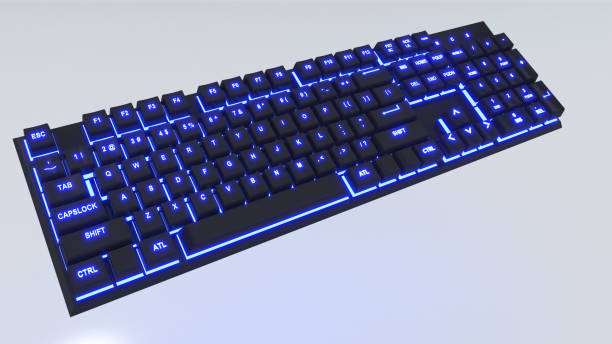
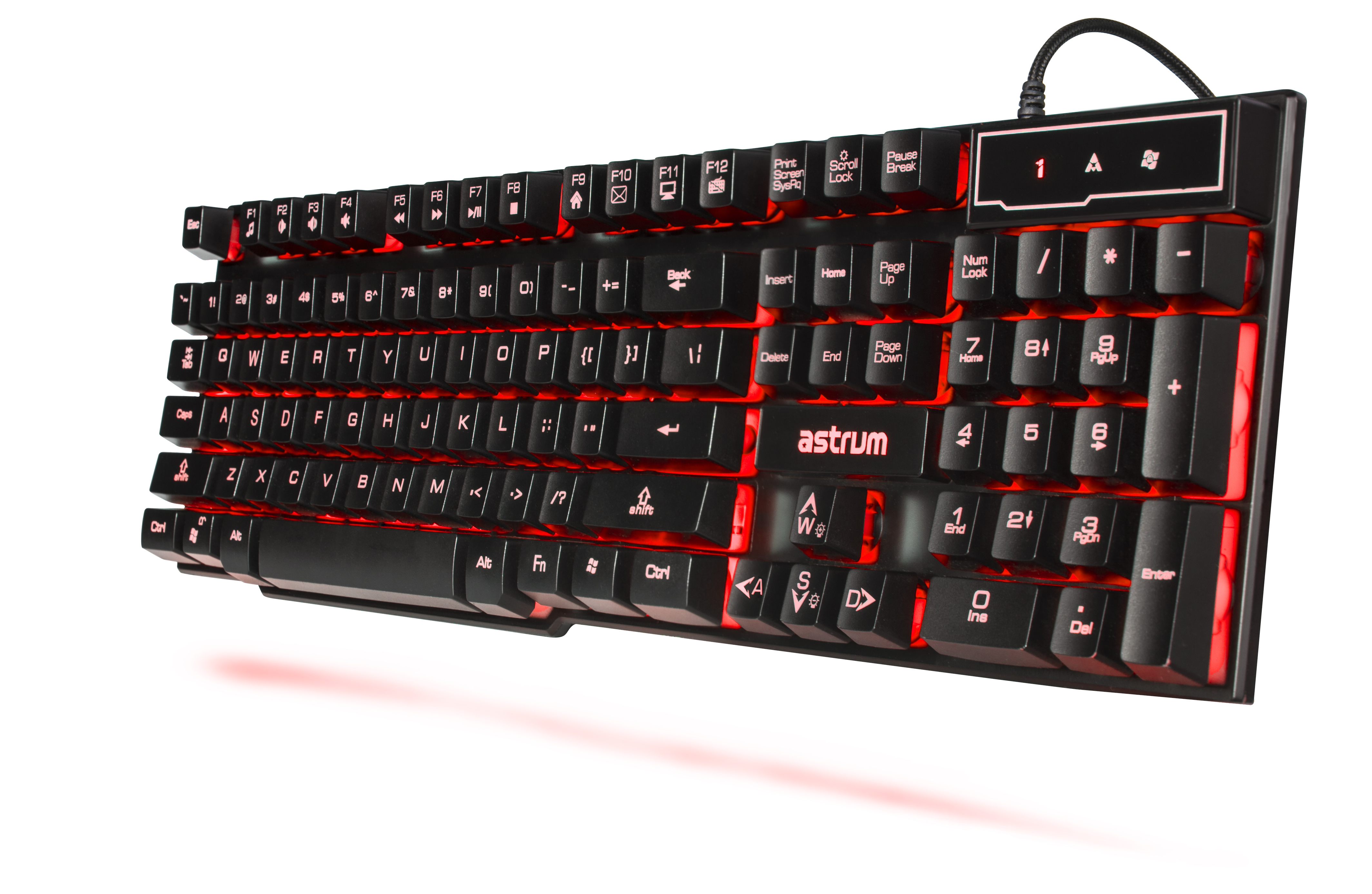
The Astrum full‑size RGB gaming keyboard (as pictured in our setup shots) is part of a new wave of budget‑friendly boards that try to bring enthusiast‑grade features—mechanical switches, per‑key lighting and software customization—to a wider audience. It is a wired, 104‑key deck with a numeric keypad, dedicated navigation cluster and bright under‑glow lighting that makes it look far more expensive than it actually is.
Key features
Astrum focuses on the fundamentals: hot‑swappable mechanical switches, double‑shot keycaps that won’t fade overnight and bright per‑key lighting with multiple layers of customization. It connects via a detachable USB‑C cable and supports on‑board profiles, so you can carry your lighting and macro setup between machines without always running background software.
Design & build quality
Despite its price, the Astrum board feels reassuringly solid. The top plate is metal, with minimal flex even under aggressive typing, and the underside includes wide rubber feet and two‑stage flip‑out legs. The floating‑key design shows off the RGB strips that run along the edges, giving the board a distinct glow on dark desks.
Performance & real‑world usage
Our sample shipped with linear red‑style switches that feel smooth out of the box, with a light actuation force suited to both gaming and long writing sessions. Key stabilizers on the larger keys are lightly lubed from the factory; spacebar and Enter are not quite enthusiast‑grade smooth, but they are far less rattly than we expect at this price.
In fast‑paced shooters, key response was consistent and chatter‑free. The full‑size layout leaves plenty of room for keybinds in MMOs and productivity apps, though small desks may prefer a TKL footprint. Noise levels are moderate: you get the satisfying mechanical clack without the sharp pinging that plagues cheaper boards.
Specs & customization
The board supports three on‑board profiles with different lighting effects and macro assignments. Astrum’s Windows software is basic but functional: you can remap any key, record simple macros and fine‑tune per‑key colors or layer presets like wave and reactive typing. There is no cloud account requirement, which we appreciate.
Power & efficiency
This is a wired keyboard, so there is no battery to worry about. Power draw is low enough that it works happily through most USB hubs, even with RGB at full brightness.
Pros & cons
Pros
- Solid metal top plate and generally sturdy build.
- Hot‑swappable switches for easy customization.
- Bright, even RGB lighting with good preset variety.
- Comfortable typing feel for both gaming and work.
- On‑board profiles mean you can skip always‑on software.
Cons
- Full‑size layout takes up a lot of desk space.
- Software is Windows‑only and fairly barebones.
- No included wrist rest, which some users may miss.
Who should buy this keyboard?
The Astrum full‑size RGB board is ideal for PC gamers on a budget who still care about build quality and typing feel. It also works well as an office keyboard if you keep the lighting modest, though loud open‑plan environments may prefer quieter switches.
Final verdict
For its price, the Astrum gaming keyboard delivers a compelling mix of features and feel. It will not convert high‑end custom keyboard enthusiasts, but for most players it offers a big step up from membrane decks and cheap mechanical clones without emptying your wallet.